An iPhone at the eyepiece
A little less doing.
A little more watching.
An iPhone camera for your spotting scope. Let the phone help with focus and timing, while you stay with the bird.
Watch the product film · 3:40Your iPhone. Your scope.
A camera built around birdwatching.
Your iPhone already has a camera. Torimado adds a workflow built around your scope: bird tracking can guide autofocus, pre-roll keeps moments before you press, and light and colour are measured inside the eyepiece circle.
01 · Focus
Stay with
the bird.
For a detected bird, Torimado draws a green box and uses its centre to guide the iPhone’s autofocus. The benefit is less repeated tapping to choose the phone’s focus point as the bird moves. It does not move the scope, identify species or provide bird-eye autofocus. It is best suited to single birds; switch detection off for distant small birds or dense flocks. If the box is on the wrong subject, switch detection off and use manual focus.
AF and bird detection are separate controls. You can use autofocus without bird-tracking boxes.
Choose how you focus →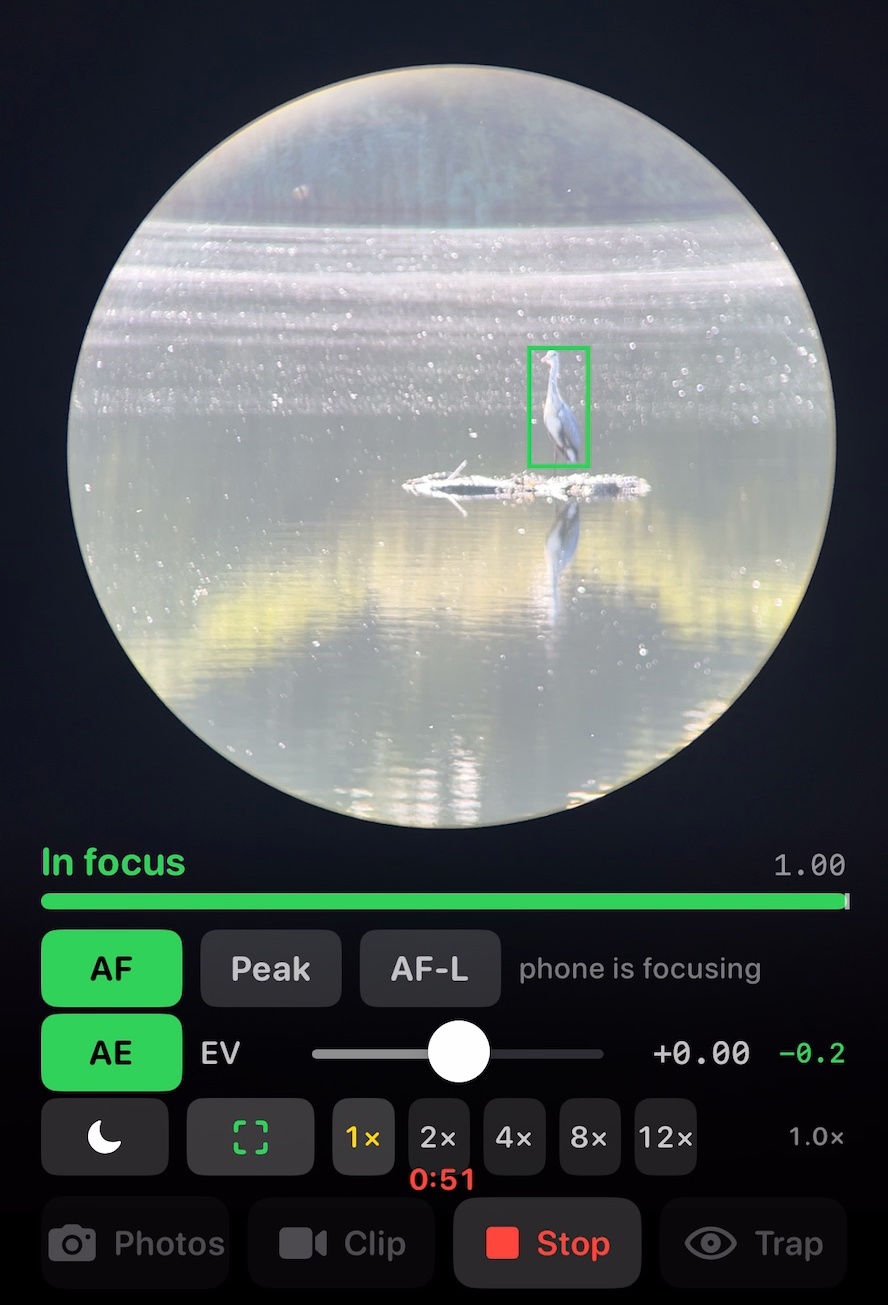
02 · Timing
The bird took off.
Then you pressed.
Turn on Before I press in Settings, and while the camera is running Torimado can keep up to 10 seconds before your press. It is off on a new install, so the phone stays cooler until you choose a time. Choose Photos for earlier frames or Clip for movement. A buffer must already exist: this does not recover moments before the camera was opened. Heat or resource limits can shorten the buffer.
Pre-roll photographs are video frames. Full-resolution and RAW stills use the still-photo path, without pre-roll. RAW depends on your iPhone.
For a place worth waiting for, frame a perch and arm Trap. It uses bird detection to capture an arrival; check your first captures when setting up.
Understand capture timing →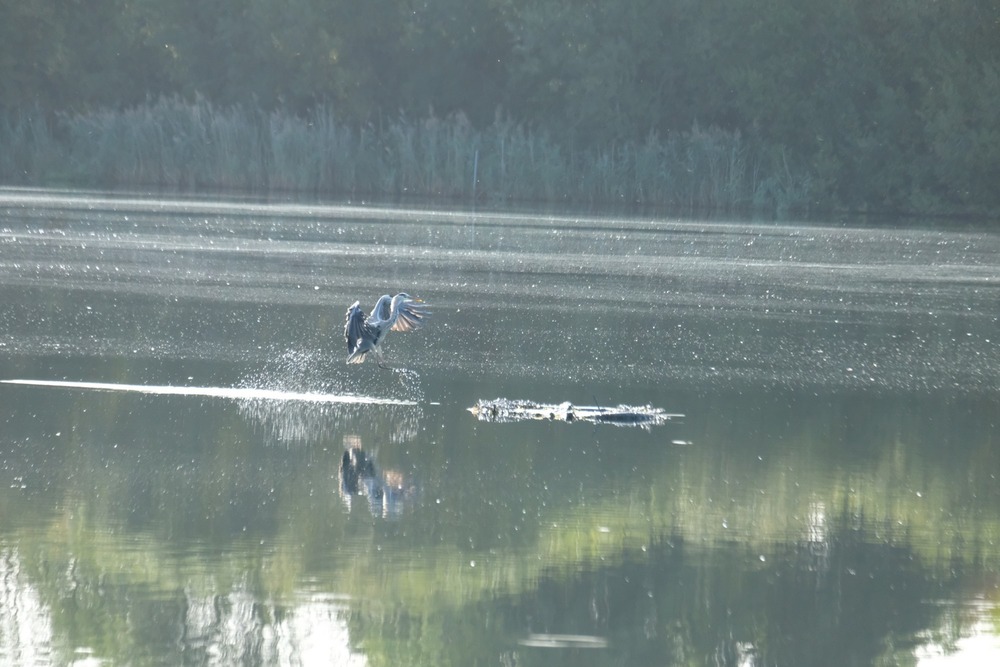
03 · Eyepiece
A camera that works
with your scope.
Torimado detects the eyepiece circle and measures light and balances colour inside it, away from the black surround. It keeps the phone lens you selected rather than switching lenses as you zoom. You can set a slowest shutter speed. Correct colour fringing (on by default, and can be turned off) reduces red and blue edges on copies saved to Photos: originals are kept, and an image that cannot be corrected cleanly stays unchanged. It is not a live-view correction or a promise to remove every optical defect.
An optional Apple Watch or paired Bluetooth shutter lets you take the shot without touching the phone.
Equipment and field use →Next, when you need it
One purchase. No subscription.
Product film on YouTube.