Can I use autofocus without bird-detection boxes?
Yes. AF and bird detection are separate controls. Turn bird detection off and leave AF on. Autofocus then works without bird-tracking guidance. A manually tapped focus point can still display its own indicator. Arming Trap turns bird detection on.
How does bird tracking help autofocus?
For a detected bird, Torimado draws a green box and uses its centre to guide the iPhone’s autofocus. The benefit is less repeated tapping to choose the phone’s focus point as the bird moves. It does not move the scope, identify species or provide bird-eye autofocus. It is best suited to single birds; switch detection off for distant small birds or dense flocks. If the box is on the wrong subject, switch detection off and use manual focus.
Can I focus manually through the scope?
Yes. In MF, a spring-return focus joystick moves the phone’s lens: a push nudges it, holding moves it faster. Peak highlights sharp edges in red; AF-L holds the current phone focus and switches to MF. These controls help you judge and adjust focus; they cannot restore detail the optics or light did not capture.
The details, when you need them
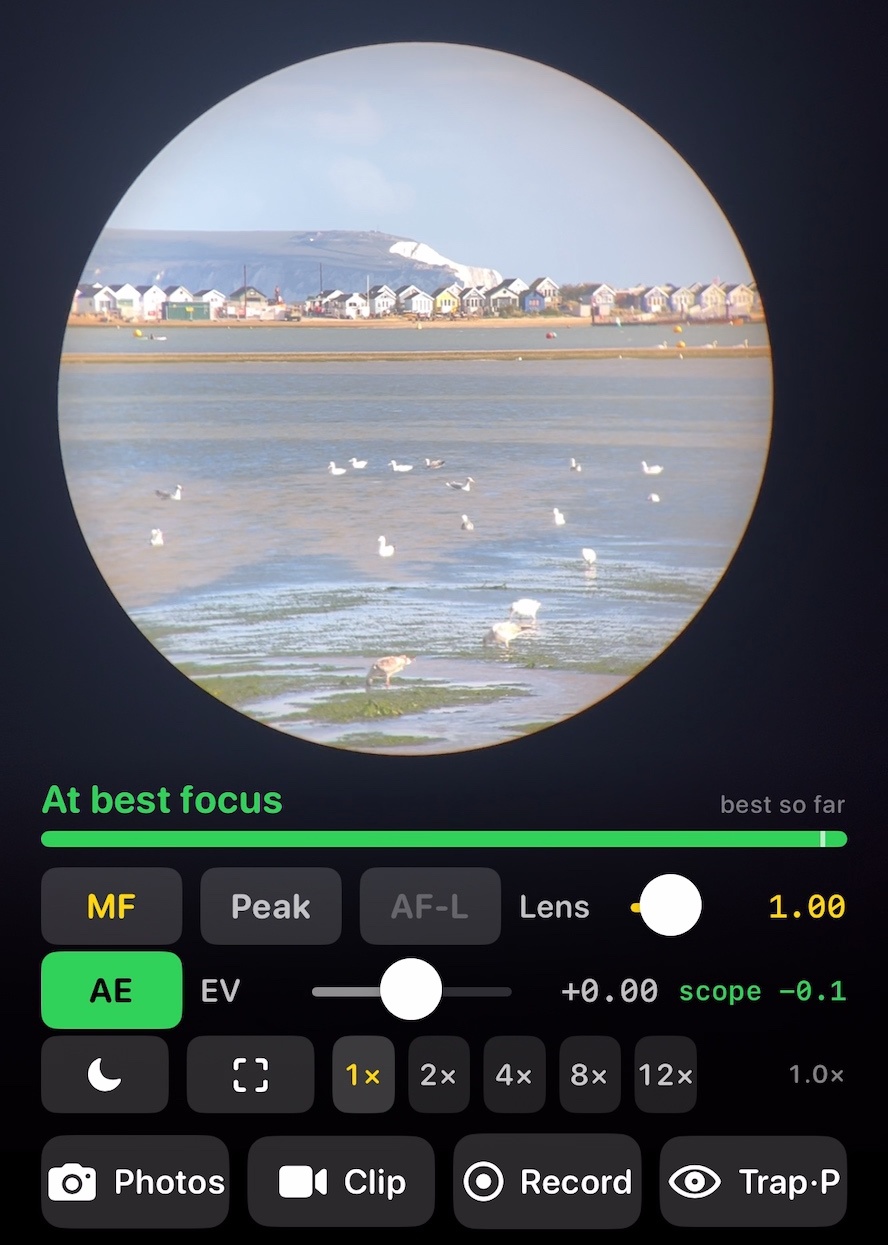
MF
Settle the focus by hand. The screen tells you: “At best focus”.
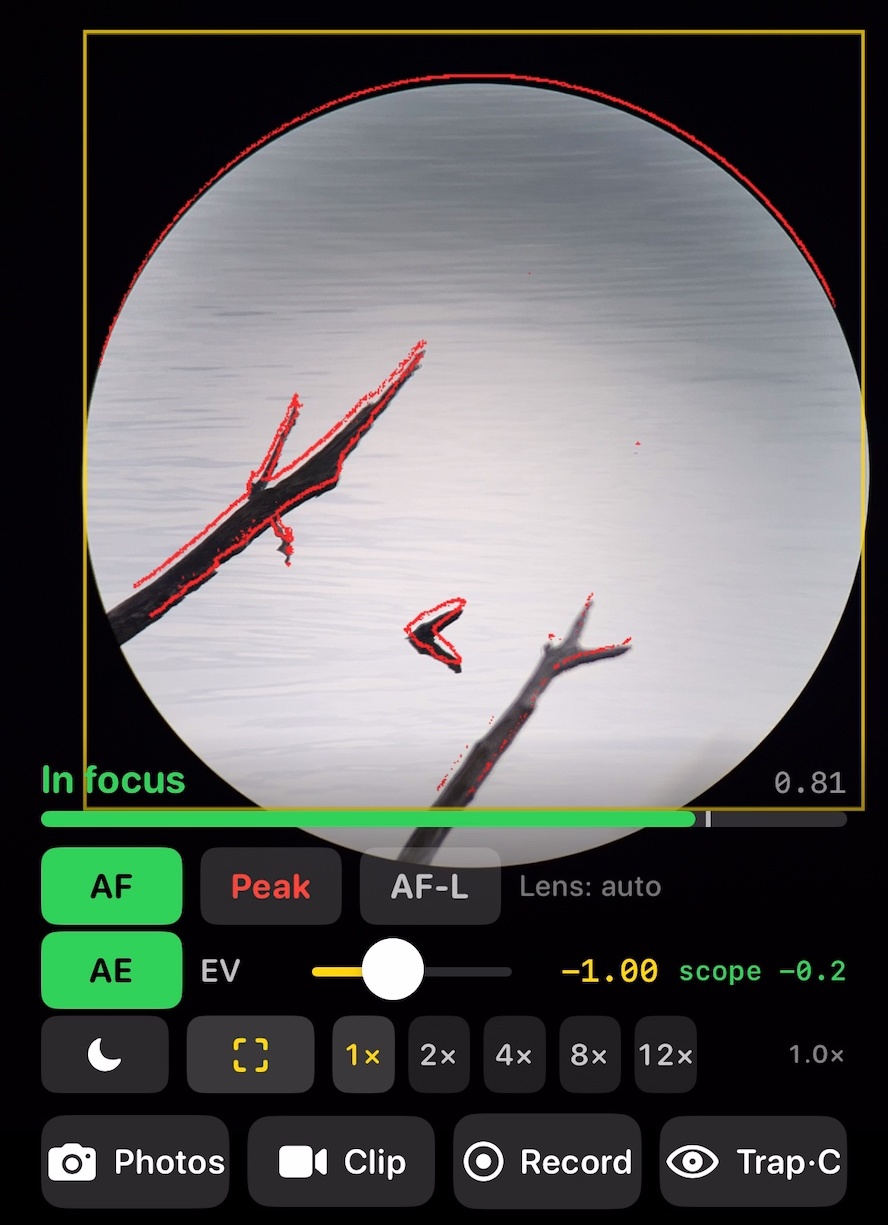
Peak
Sharp edges, picked out in red.
Does pinching change my photograph?
Pinching magnifies the screen only. Double tap to return. The 1× 2× 4×… buttons change the camera zoom and the photograph.
Does Torimado identify species?
No. Detection helps autofocus follow a bird; it does not identify its species. See which scenes detection is designed for.